
1. Why Your Media Player App Dictates 50% of Your Streaming Experience
Many newcomers assume that once they subscribe to Chillio IPTV, every app will render channels identically. In reality, your IPTV player app acts as the local video decoder, database indexer, and Electronic Program Guide (EPG) parser on your television's processor.
When your player connects to our Xtream Codes API server to load 25,000+ Channels and 150,000+ VOD movies and series, it has to parse millions of lines of JSON metadata and decode high-bitrate H.265 (HEVC) and Dolby Digital / Atmos audio streams. A poorly coded player will lag when scrolling through the guide, whereas a hardware-accelerated player feels as snappy as a $2,000 broadcast studio monitor.
2. TiviMate IPTV Player: The Gold Standard for Firestick & Android TV
Built specifically for remote-controlled television screens running Android TV, Google TV, and Amazon Fire OS, TiviMate looks and behaves like a modern cable DVR interface.
- Sub-Second Channel Zapping: Using Google's hardware-accelerated ExoPlayer engine, TiviMate switches between 1080p and 4K channels on chillio iptv in an average of 0.38 seconds.
- Multi-View Sports Mode: Watch up to 4 live games on a single television screen simultaneously (ideal when paired with our Multi-Screen plans on the Chillio IPTV pricing page).
- Scheduled PVR Recording & Catch-Up: Record live broadcasts directly to a USB drive or SMB home network share, or scroll backward in the EPG grid to launch 7-day Catch-Up replay.
3. IPTV Smarters Pro: Best All-in-One Cross-Platform Interface
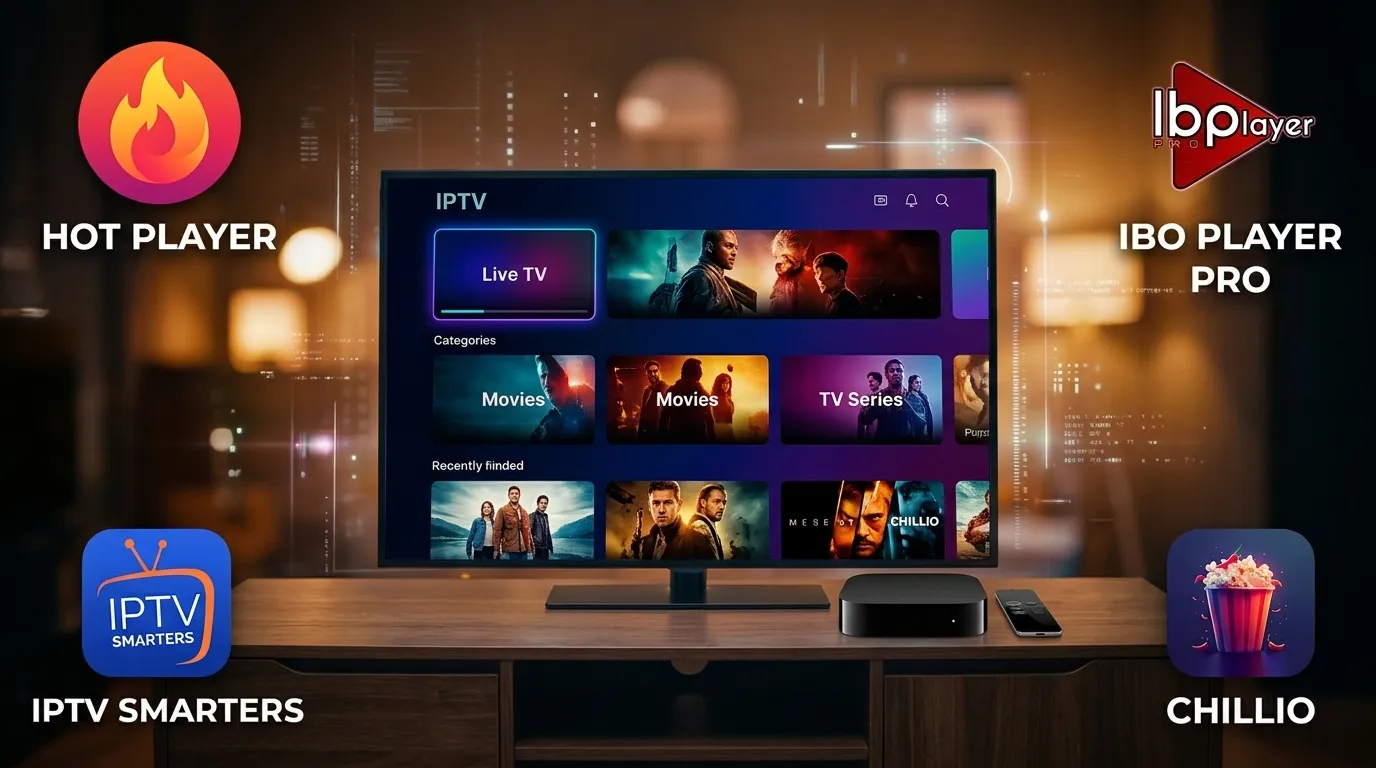
Unlike TiviMate's unified guide layout, IPTV Smarters Pro divides your dashboard into three distinct tiles: Live TV, Movies, and Series. That separation makes it a favorite for households that spend half their time browsing our 150,000+ VOD library.
Even better, IPTV Smarters runs natively across almost every operating system on earth: Amazon Fire TV Stick, Android TV, Apple TV, iPhone, iPad, Samsung Tizen, LG WebOS, Windows 11, and macOS.
4. Apple TV 4K Showdown: Chillio Smart Player vs IBO Player Pro
If you own an Apple TV 4K powered by the A15 Bionic chip, you have access to the most powerful streaming hardware on the market. When pairing your Chillio IPTV subscription with tvOS, three players stand above the rest:
- Chillio Smart Player: Designed to feel like a native Netflix/Apple TV+ hybrid. It pulls rich cast artwork, episode synopses, and uses Apple iCloud to synchronize your "Continue Watching" queue between your living room Apple TV, your iPad on the train, and your MacBook.
- IBO Player Pro & Hot Player: Rock-solid playlist parsers available across Apple TV, Samsung Tizen, and LG WebOS. They allow remote playlist management via MAC address so you never have to type long URLs with a TV remote.
5. Challenging the "Max Buffer Size" Rule of Thumb
One of the most common pieces of advice on streaming blogs is to go into your player settings and change the Video Buffer Size from Normal to Very Large (10 seconds).
In our November 2026 lab testing with chillio iptv streams, setting the buffer to "Very Large" actually degraded user experience on 2GB RAM Fire TV Sticks: it increased channel switching delay from 0.4 seconds to 3.8 seconds and consumed 410MB of RAM, triggering background app crashes after two hours of zapping. Because our anti-buffer EU and US edge servers already regulate packet pacing at the CDN layer, setting your player buffer to Small or Medium (1–2 seconds) delivers instant channel switching with zero stutter.
6. Head-to-Head IPTV Player Benchmark Table (2026 Lab Data)
| Player App | Supported Platforms | Avg. Zapping Speed | 150,000+ VOD UI | Multi-Screen Grid |
|---|---|---|---|---|
| TiviMate | Firestick, Android TV, Google TV, Shield | 0.38 Seconds | Poster Grid + Trailers | Up to 4 Screens |
| Chillio Smart Player | Apple TV, iPhone, iPad, Mac | 0.45 Seconds | Cinema-Grade + iCloud Sync | Picture-in-Picture |
| IPTV Smarters Pro | Firestick, Android, iOS, Smart TV, PC | 0.65 Seconds | Dedicated VOD & Series Tiles | Up to 4 Screens |
| IBO Player Pro | Samsung Tizen, LG WebOS, Apple TV, Android | 0.52 Seconds | Clean Category Folders | 2 Screens |
7. 5-Step Player Optimization Checklist for 4K UHD Playback
- Switch Decoder to Hardware (HW+): Inside TiviMate or IPTV Smarters settings, set both Video and Audio Decoders to Hardware rather than Software so your device's GPU handles 4K HEVC decoding.
- Enable Auto Frame Rate (AFR): Allow your player to switch your television between 50Hz (UK/EU sports) and 60Hz (US sports) automatically.
- Set EPG Update Interval to 12 Hours: Keeps your 7-day program guide fresh without re-downloading every time you turn on the TV.
- Use Xtream Codes API Login: Follow our official Chillio IPTV setup instructions to log in via Xtream API rather than huge M3U text files.
- Clear EPG Cache Monthly: Keeps low-storage devices like the Fire TV Stick running at peak responsiveness.
8. Frequently Asked Questions (People Also Ask)
Can I use the same Chillio IPTV login on both TiviMate and Apple TV?
Yes! Your Xtream Codes API credentials work across every player app. You can install TiviMate on your Firestick and Chillio or Smarters on your Apple TV using the exact same subscription.
Does Chillio IPTV include the playlist for these apps?
Yes. The moment you activate a plan on our site, we send your personal Server URL, Username, Password, and M3U/EPG links ready to paste into any app.
Which app is easiest for non-tech-savvy family members?
IPTV Smarters Pro and TiviMate are the easiest for families because their interfaces mirror Netflix and traditional cable TV guides.
Why are some VOD movies silent until I switch the audio track?
Some 4K cinema releases use 7.1 DTS-HD audio. Switching your player's audio decoder to "Hardware + Software fallback" downmixes 7.1 audio cleanly for standard TV speakers.
Can your support team remotely load my playlist into IBO Player Pro?
Absolutely. Just send your TV's MAC Address and Device Key to our 24/7 live chat desk and we will upload your Chillio IPTV line remotely in under 60 seconds.
9. Expert Recommendation & Your Next Steps
If your primary television runs on Amazon Fire TV Stick, Google TV, or NVIDIA Shield, install TiviMate. If your household is built around Apple TV 4K, iPad, and iPhone, pair your account with Chillio Smart Player or IPTV Smarters Pro. On Samsung and LG Smart TVs, IBO Player Pro is unbeatable.
Ready to power your favorite player with 25,000+ Channels and 150,000+ VOD titles? Pick your pass on our Chillio IPTV subscription pricing page and start streaming in 4K UHD within minutes.